

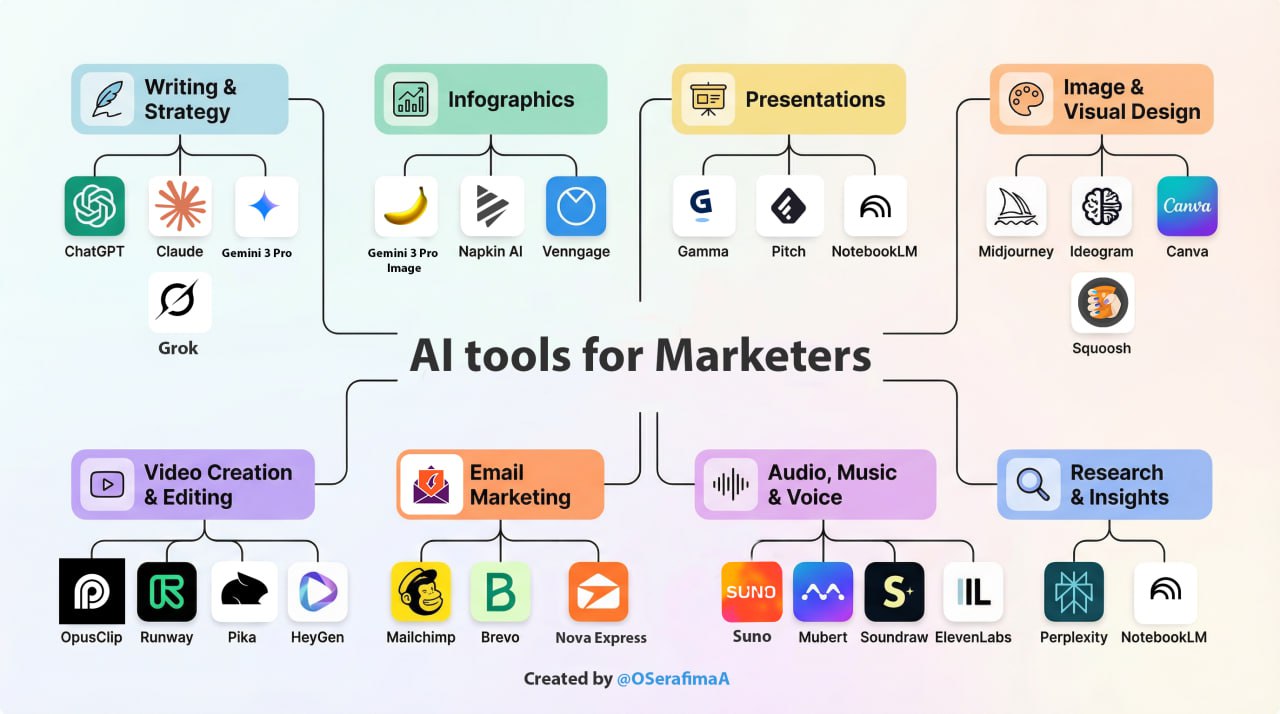
From chaos to clarity. You’ve got ChatGPT bookmarked, a Gemini subscription, and a dozen AI tabs open, yet you’re still drowning in busywork. Most marketers drown in tools. Winners build a lean stack that solves one workflow at a time.
This guide cuts the noise and builds you an actual system: which AI tool solves which marketing problem, how to connect them into a working stack, and what to skip entirely. Inside, you’ll find the best tools for 2026 (writing, research, video, infographics, email, and more) with real workflows you can use today, plus the exact order to start in.
Key Takeaways
- AI tools remove busywork, not marketers.
- The right stack saves time and sharpens strategy.
- Start with one problem → one tool → one workflow.
- Don’t adopt everything at once.
- This guide shows which tool fits which problem.
1. What Are the Best AI Tools for Writing Content in 2026?
This is where you’ll spend most of your time. Writing emails, analyzing reports, crafting landing pages, and editing blog posts. The right AI writing tool can cut your content creation time in half and produce drafts you’ll actually want to use.
Here’s the truth: each tool has a sweet spot. Claude writes like a human. Gemini integrates with your Google workflow. Let’s break down when to use what.
ChatGPT (GPT-5.2, GPT-5.4, GPT-5.5, GPT-5.3 Codex): A Universal Foundation for Marketing Work
ChatGPT remains one of the most flexible AI platforms for marketing teams. You can write blog posts, build content strategies, analyze reports, brainstorm campaigns, generate visuals, and even work with spreadsheets or documents inside a single ecosystem.
Different GPT models now specialize in different types of work. GPT-5.2 and GPT-5.4 are strong everyday writing models for articles, marketing copy, landing pages, and creative ideation. GPT-5.5 is designed for deeper reasoning, research, and complex analytical tasks where accuracy and multi-step thinking matter more than speed. GPT-5.3 Codex focuses on coding and technical workflows, making it useful for developers, automation, and product teams. For high-volume content production, GPT-5.4 mini and nano offer significantly lower costs while remaining fast enough for drafting and repetitive workflows.
Best for: marketing teams that want one AI platform for writing, strategy, analysis, coding, brainstorming, and multimodal work with images, files, and documents.
Gemini 3 Pro: Best for Google Workspace Users
Gemini writes quickly and gives you options. Ask for a draft, and it delivers three variations to choose from. Don’t like the tone? Request a rewrite in a different style. Need sources? Gemini often includes links to websites where you can explore further. It works directly inside Gmail, Docs, and Drive, so you never have to leave your workflow.
Upload any image, even handwritten notes, and Gemini will analyze and turn it into text. Need ad copy from a product photo? Tips from a screenshot? Just drop it in the chat.
Gemini 3 Pro is Google’s newest and most intelligent model. It handles complex topics with ease: upload a dense research paper, and it can turn it into an interactive guide. In AI Mode, it can even build custom tools like loan calculators directly in search results.
For complex creative writing, Claude and ChatGPT often perform better. But for speed, Google integration, and quick iterations, Gemini is hard to beat.
Best for: marketers who live in Google Workspace and want speed without switching tools.
Claude (Claude Opus 4.7): Best AI for Long-Form Content and Strategy
Claude writes like a real person. Its tone is natural, conversational, and free from the usual AI quirks. For marketers, that human touch makes a big difference, especially when content needs to feel authentic and build trust.
But it’s not just about style. Claude lets you drop in an entire quarterly report, three competitor analyses, and a brief, then discuss it all in one chat without losing context. If you’re working on strategy, competitor analysis, or content that needs to sound like you wrote it yourself, Claude delivers.
Best for: landing pages that need to sound human, investor updates, brand emails where tone builds trust, and deep diving into competitor reports.
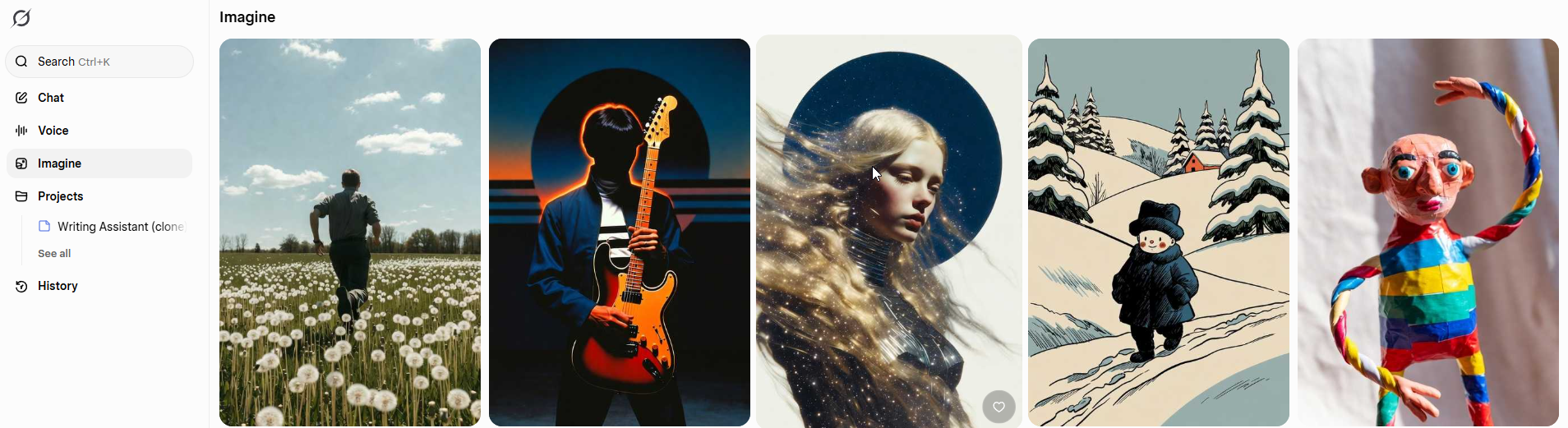
Grok: Best for Real-Time X (Twitter) Trends and Social Insights
Grok, built by xAI, is deeply integrated into X (formerly Twitter), with exclusive real-time access to public posts and web search. It continuously updates with live X data, providing instant visibility into trending topics, audience sentiment, viral conversations, and breaking news as they unfold, giving you a clear edge in social media.
Key features include multiple response modes (from straightforward to witty/sarcastic), voice conversations, analysis of uploaded documents/photos/PDFs, and powerful real-time trend and sentiment tracking.
Best for: Social media managers, brands, and creators on X who need live insights, fast viral ideas, audience pulse checks, and content with real-time relevance.
2. Which AI Tools Create Infographics Fast?
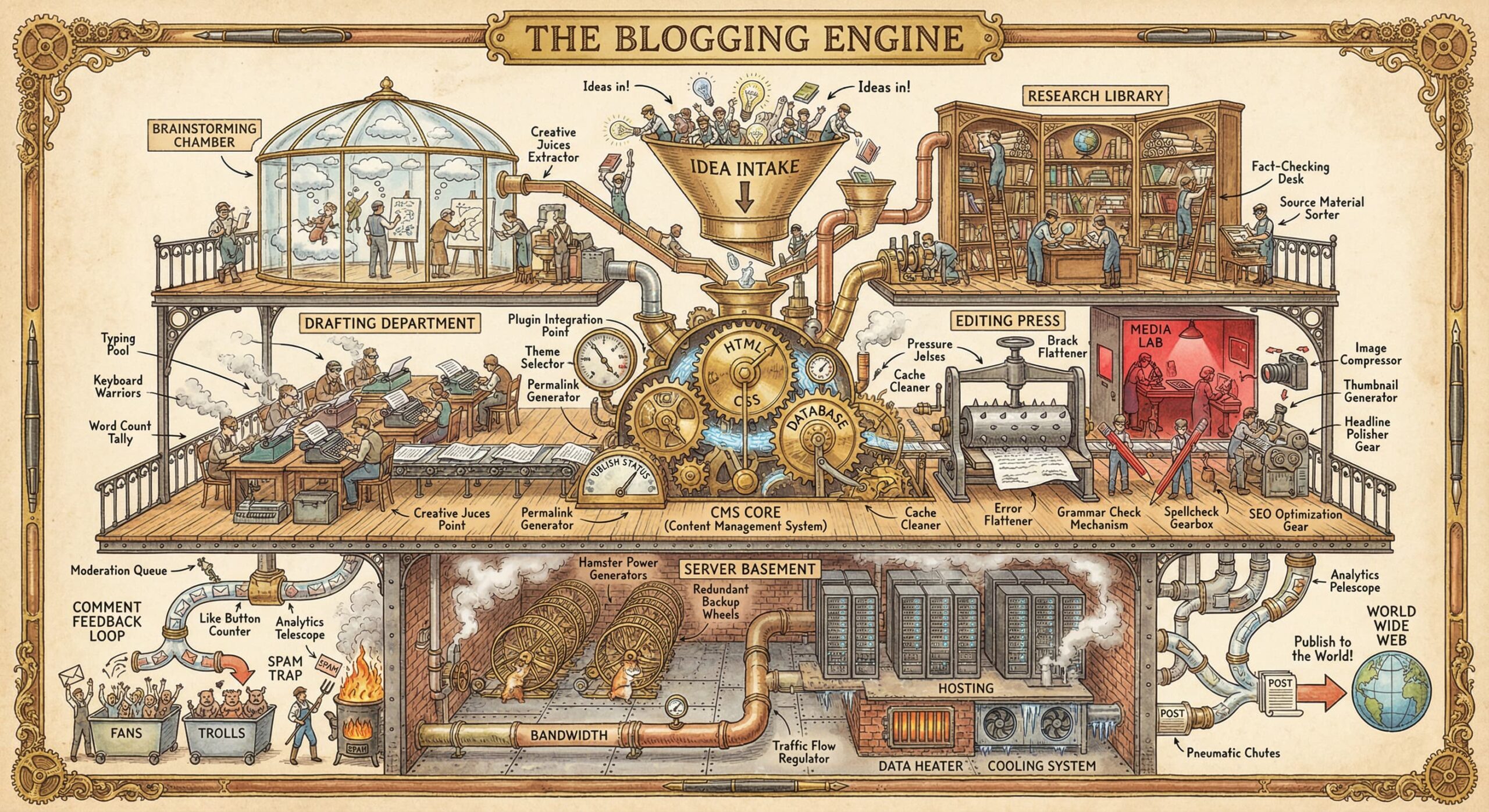
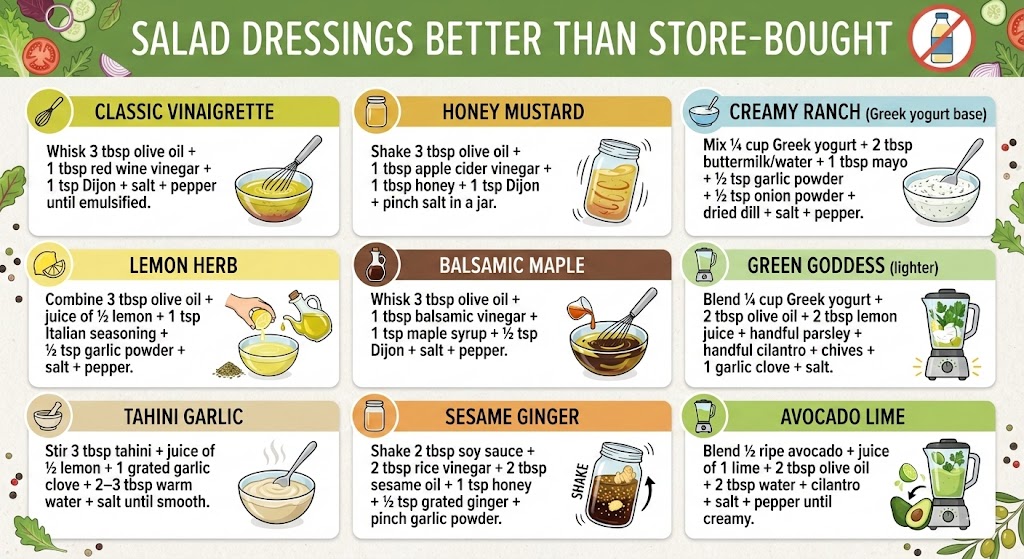
Creating infographics used to mean hiring a designer or wrestling with complicated software. AI tools now let you go from bullet points to polished visuals in minutes. Here’s what works best for different needs.
Gemini 3 Pro Image (Nano Banana Pro): Infographics with Text in Minutes
Gemini 3 Pro Image (Nano Banana Pro) creates infographics with readable text directly on the image. Paste your bullet points, describe the style you want (sketch, digital illustration, mind map), and get a polished infographic. You can even upload your photo and have Gemini build the infographic around it. The free tier gives you up to 3 image generations per day.
Best for: Quick infographics when you need text on images and don’t want to leave Google’s ecosystem. (Limits can vary due to demand).
Napkin: Text-to-Diagram in Minutes
Napkin produces professional diagrams and infographics from plain text. Write your idea, paste it in, and the AI auto-generates visual layouts with boxes, arrows, and connections—no design skills required.
The real workflow power: describe a process in words, and Napkin generates diagram variations instantly. The built-in editor lets you adjust colors, rearrange elements, or swap layouts without regenerating everything.
Best for: Process flows, timelines, comparisons, educational guides, and anything you need to explain visually.
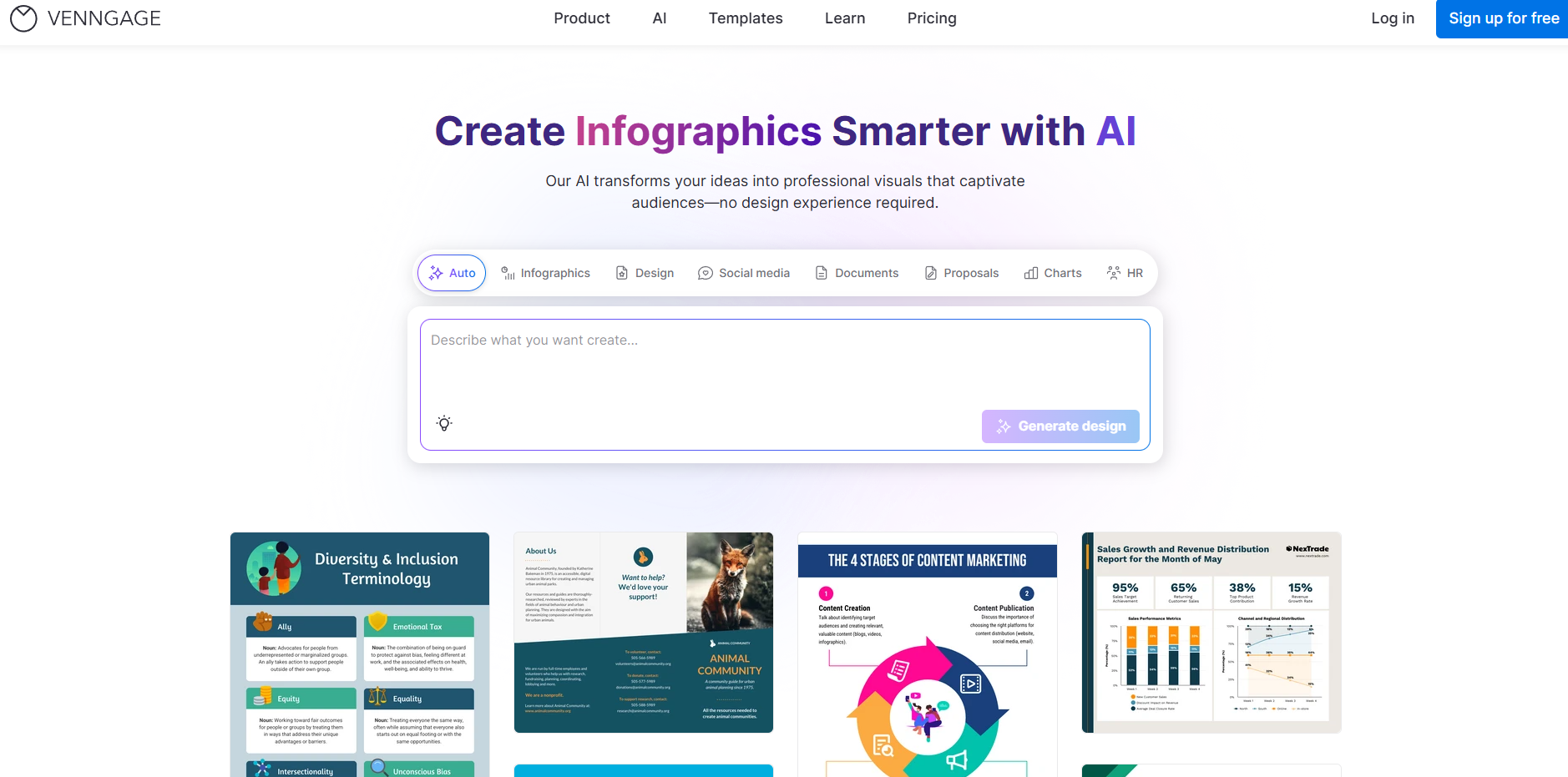
Venngage: Template-First Infographic Builder
Venngage offers thousands of professional infographic templates organized by type: timelines, comparisons, statistics, reports, and more. Pick a template, swap in your data, and customize colors to match your brand. The AI assistant helps generate text and suggests layouts based on your content.
Unlike AI-first tools, Venngage gives you more manual control over every element, perfect when you need pixel-perfect results or strict brand compliance. The free tier includes basic templates; premium unlocks the full library and brand kit features.
Best for: Marketers who want polished, template-based infographics with full design control and brand consistency.
3. How to Build Presentations with AI in Minutes?
You know the drill. It’s 6 PM, the presentation is tomorrow, and there’s still work to do on slide layouts and visuals. AI presentation tools change this equation entirely: they handle the design and heavy lifting so you can focus on your message.
Give these tools your content or even just a topic, and they’ll structure the narrative, design the layouts, and suggest visuals. What used to take 4 hours now takes 30 minutes.
Gamma: Interactive Presentations Reimagined
Gamma builds presentations from your text in minutes. Paste an article, blog post, or bullet points, and the AI generates slides with images, layouts, and structure automatically. You can choose the tone, audience, and image style before generation. Every element is editable: swap layouts, regenerate images with a new prompt, and expand text with one click. The result isn’t a traditional PowerPoint; it’s scrollable, interactive web pages that work beautifully in emails and on mobile.
Share via link (with built-in analytics to see who viewed what) or export to PDF. The free tier gives you 400 AI credits, enough for several complete presentations. The watermark disappears on paid plans.
Best for: Email presentations, pitch decks, client proposals, and anyone who needs polished slides fast without design skills.
Pitch: Team Collaboration
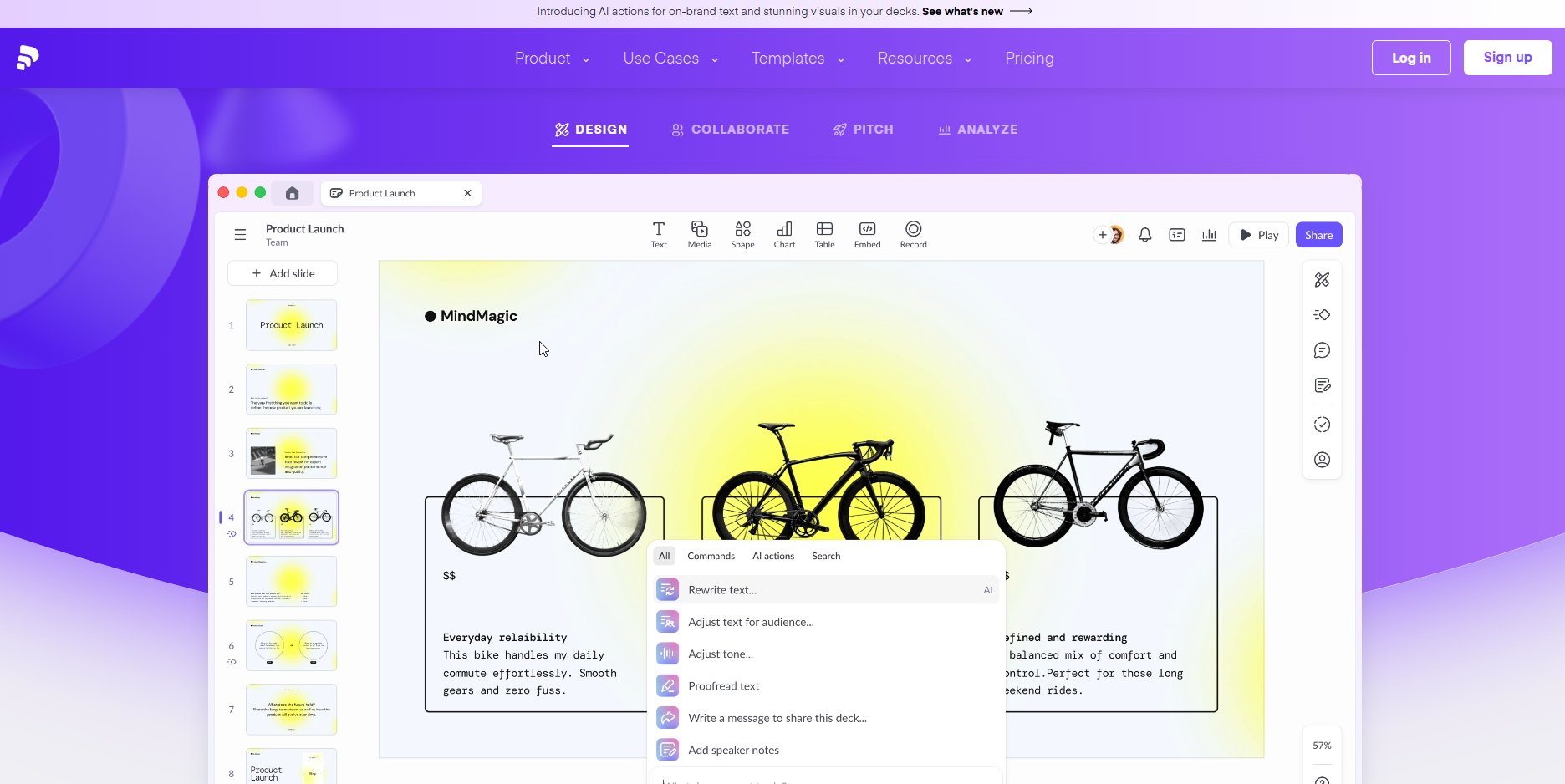
Pitch is an AI-powered presentation platform built for teams. It combines professional templates, real-time collaboration, and built-in analytics. Multiple people can work on the same presentation simultaneously, with instant updates for everyone. Brand Kit keeps all team members on-message with custom fonts, logos, and branded templates.
The real workflow power: Pitch Rooms let you gather presentations, documents, and links in one shared space. Plus, presentation analytics show you exactly when someone opens your deck and which slides they spend time on, perfect for sales teams tracking engagement.
Best for: Team projects, sales presentations, fundraising pitches, and collaborative workflows where you need both design polish and real-time collaboration.
NotebookLM: Presentations from Any Source
NotebookLM turns videos, podcasts, and documents into polished presentations in 10 minutes. Upload a YouTube recording or PDF as your source, click “Presentation,” and describe what you want: number of slides, style, and layout. The AI extracts key points and builds slides that look like a designer made them. Free tier: 2-3 generations per day.
NotebookLM recently introduced six new visual styles for video overviews, powered by Nano Banana Pro, that change the look of annotations, diagrams, and graphics.
Available styles: Classic, Whiteboard, Watercolor, Vintage Print, Traditional, Paper Art, and Anime. Classic is ideal for presentations and corporate guides; Whiteboard feels like hand-drawn notes; Watercolor is soft and artistic; Vintage Print adds a retro tone; Traditional mimics textbook illustrations; Paper Art has a textured 3D feel for creative campaigns; and Anime targets younger, social-first audiences.
Choose a style when generating a video overview, and NotebookLM applies that visual language across all charts and callouts. For marketers, that means a webinar on email marketing in a watercolor style becomes a friendly, social-ready summary; a podcast on AI tools in anime style hooks TikTok/Reels audiences; and a client presentation in vintage print stands out from standard slide decks.
Best for: Repurposing webinars, podcasts, and reports into client-ready decks.
4. What Are the Best AI Image Generators for Marketers?
Remember when you needed a designer for every social post, every ad variation, every presentation graphic? AI image generation has changed that completely. And here’s the key insight: different tools excel at different things.
Need artistic, cinematic images? Midjourney. Text on images that’s actually readable? Ideogram. Quick visuals without leaving your workflow? Gemini. Let’s match the tool to your specific needs.
Midjourney: The Artistic Premium Choice
Midjourney produces the highest artistic quality with cinematic, stylized images. The web interface lets you sign in with Google or Discord, your choice. Browse the Explore gallery to see what others created, copy their prompts, or use any image as a style reference for your own generation. Upload your product photo, and Midjourney will generate variations in different styles, perfect for testing ad creatives before committing to a full shoot.
The real workflow power: generate 4 images per prompt, then hit “Vary” to create subtle or strong variations of your best one. Need 10 versions of a hero image for A/B testing? Five minutes. The built-in editor lets you change parts of an image without regenerating everything, swap the background, adjust composition, or extend the canvas.
Best for: Premium visuals, hero images, concept art, branding, and rapid creative testing.

Ideogram: The Text-in-Image Champion
Ideogram is the only reliable tool for generating readable text on images. v2.0 adds style references and better prompt control. Use it for ads, banners, and posters.
Best for: Text-heavy visuals (banners, ads, social graphics).
Canva: Design + AI in One Tool
Canva’s Magic Studio suite (Magic Edit, Expand, Grab, and Media) combines AI generation with a full design toolkit. Brand Kit locks colors/fonts/logos for team consistency.
Best for: Social posts, banners, and presentations where speed and workflow matter. Teams maintaining visual identity.
vs Midjourney: Canva = faster editing; Midjourney = better quality. Use both.
Squoosh: Free Image Compression
Google’s Squoosh compresses images without visible quality loss and converts between formats (WebP, AVIF, JPEG). Everything runs locally in your browser, so your images never leave your device or get uploaded to external servers. Essential for website, blog, and email optimization.
Best for: Website, blog, and email optimization, reducing page load times, and batch processing.
5. Which AI Tools Make Video Creation Easy?
“Video” used to mean production crews, expensive equipment, and weeks of editing. AI video tools have compressed that into hours, sometimes minutes. But the landscape splits into two camps: tools that generate new video and tools that repurpose what you already have.
Path 1: You Have Long-Form Content (webinars, podcasts, interviews)
→ OpusClip turns one 45-minute video into a month of social clips automatically
Path 2: Creating from Scratch (ads, explainers, brand videos)
→ Runway for cinematic quality, Pika for precise control, HeyGen for AI avatars
Most marketers should start with OpusClip; it’s the fastest ROI. One webinar becomes 8-12 social clips in 10 minutes. Then layer in generation tools as your needs grow.
OpusClip: AI Clips from Any Video
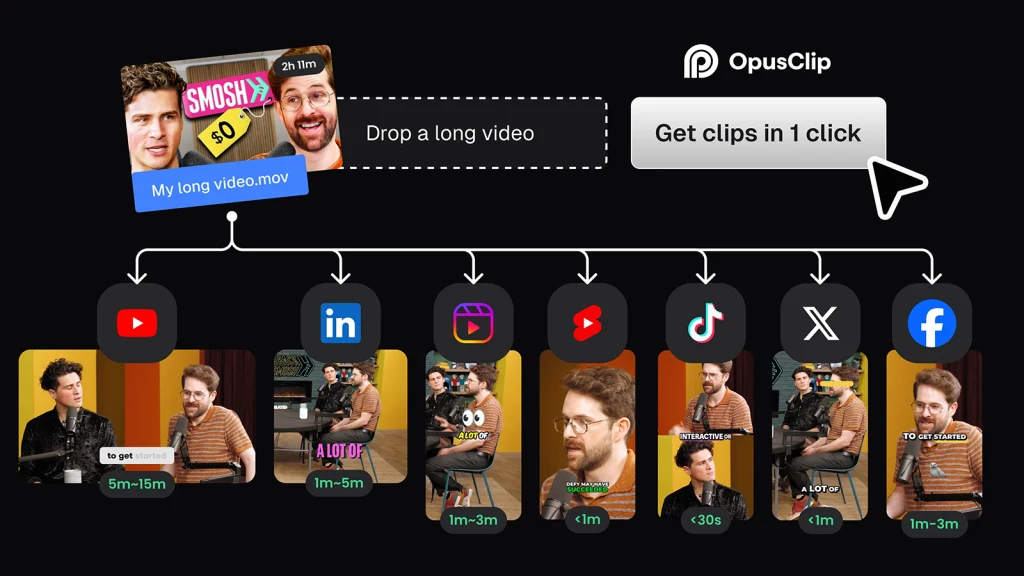
OpusClip automatically turns long videos (podcasts, webinars, vlogs, interviews, and gameplay) into vertical clips for Reels, Shorts, and TikTok. The Clip Anything model understands visuals, audio, and context; extracts the most engaging moments; adds dynamic subtitles; and adapts the format for each platform.
Best for: Content creators, marketers, and teams who need to scale short-form content without a dedicated editor.
Workflow example:
Upload a 45-minute webinar recording. → OpusClip identifies 8 to 12 “hook” moments with the highest engagement potential → generates vertical clips with auto-captions → exports in the correct formats for TikTok, Instagram Reels, and YouTube Shorts. One webinar becomes 2 weeks of social content in 10 minutes.
Fun fact: Opus has two products, OpusClip (for clipping) and Agent Opus (for full video generation). Most marketers begin with the first.
Runway: Professional Video Editing + AI
Runway is not just an AI tool; it’s a full production studio in your pocket. Upload a video or image, and Runway can handle tasks that would normally require an expensive reshoot: changing lighting, removing unwanted objects, replacing backgrounds, or restyling entire scenes. Need to add dialogue to a character? Just type it in. Want to change the time of day in a shot? It takes seconds.
Best for: professional video, VFX, commercial shoots, and when you need speed and quality. Choose Runway if you value reliability and polish; pick Pika if you want to experiment.
Pika: Video Generation with Precise Control
Pika is designed for creators who know exactly what they need. You describe a scene or upload an image, and Pika generates a video with complete control: changing camera angles, zoom, pan, character movements, and facial expressions. You are not tied to the AI’s decision; you can iterate in seconds, trying different cameras and emotions until it’s perfect. It’s a tool for directors and animators: testing visual styles, trying multiple camera options without reshoots, and adjusting character expressions. Pika doesn’t deliver the perfect result on the first try; it gives creative control, and sometimes that is more valuable than perfection.
Best for: When your team is arguing about which visual direction to go. Instead of talking about it, just generate both versions in Pika and show your audience. The data tells you what works. Then hand it to Runway for final touches.
HeyGen: AI Avatars and Auto-Translation
HeyGen creates realistic video avatars from your face; upload a video or even just a photo, and the AI will generate clips with your likeness, lip-syncing to any text or audio you provide. The result looks so real it’s nearly impossible to tell it’s AI-generated. Don’t want to use your own face? Choose from a huge library of ready-made presenters. The killer feature for global teams: automatic translation. Upload a video in English, and HeyGen outputs the same video in Spanish, German, or dozens of other languages, with the same face, matching lip movements, and a new language. Perfect for training videos, product demos, and localized marketing at scale without scheduling a single recording session.
Best for: Training videos, product demos, multilingual campaigns, and scaling video content without on-camera talent.
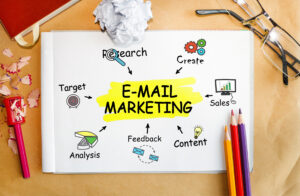
6. How AI Improves Email Marketing ROI
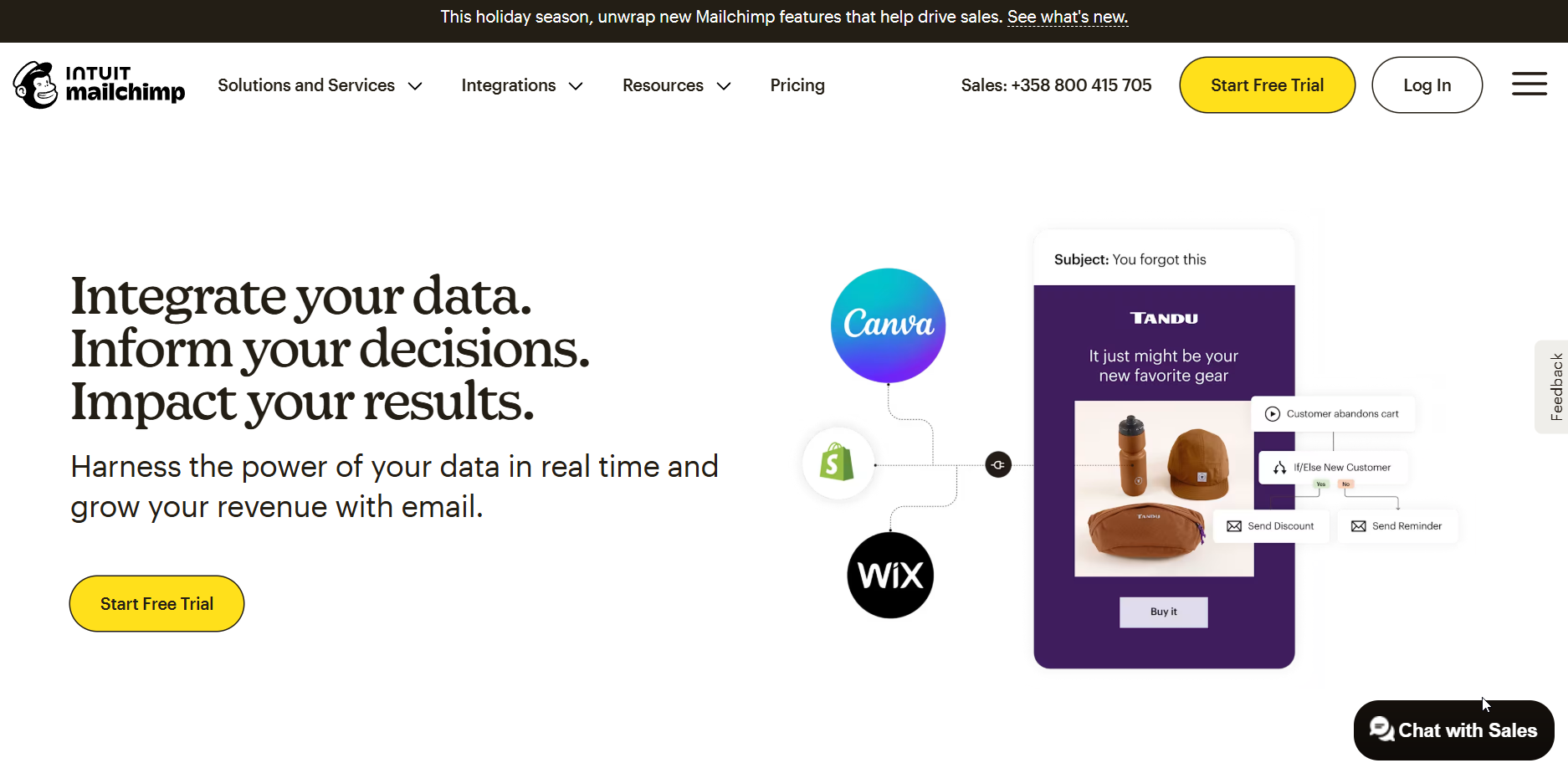
Mailchimp: AI-Powered Email & Marketing Platform
Mailchimp combines email, SMS, and automations with built-in AI (Intuit Assist) that generates copy and subject lines and suggests optimal send times. Strong e-commerce integrations (Shopify, WooCommerce) and up to 25x ROI.
Best for: E-commerce businesses (especially Shopify/WooCommerce users) that want email and SMS in one platform with proven ROI.
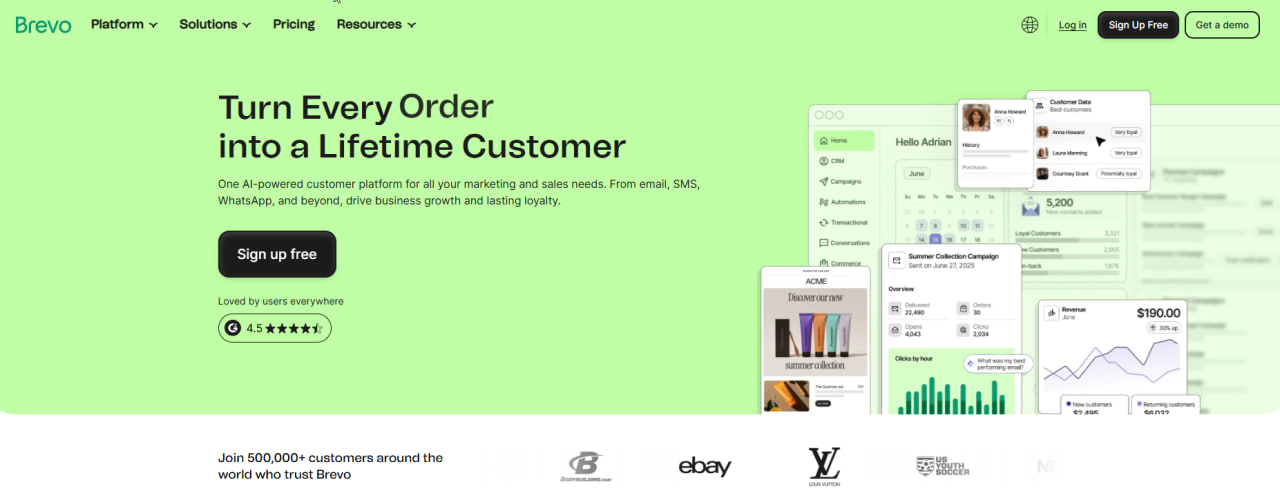
Brevo (ex-Sendinblue): AI-Powered All-in-One CRM
Brevo combines email marketing, SMS, chat, and CRM features into a single platform, with built-in generative AI for campaigns, subject lines, and landing page content.
Best for: Businesses seeking an integrated CRM suite, European companies with strict data privacy needs, and multi-channel campaign automation.
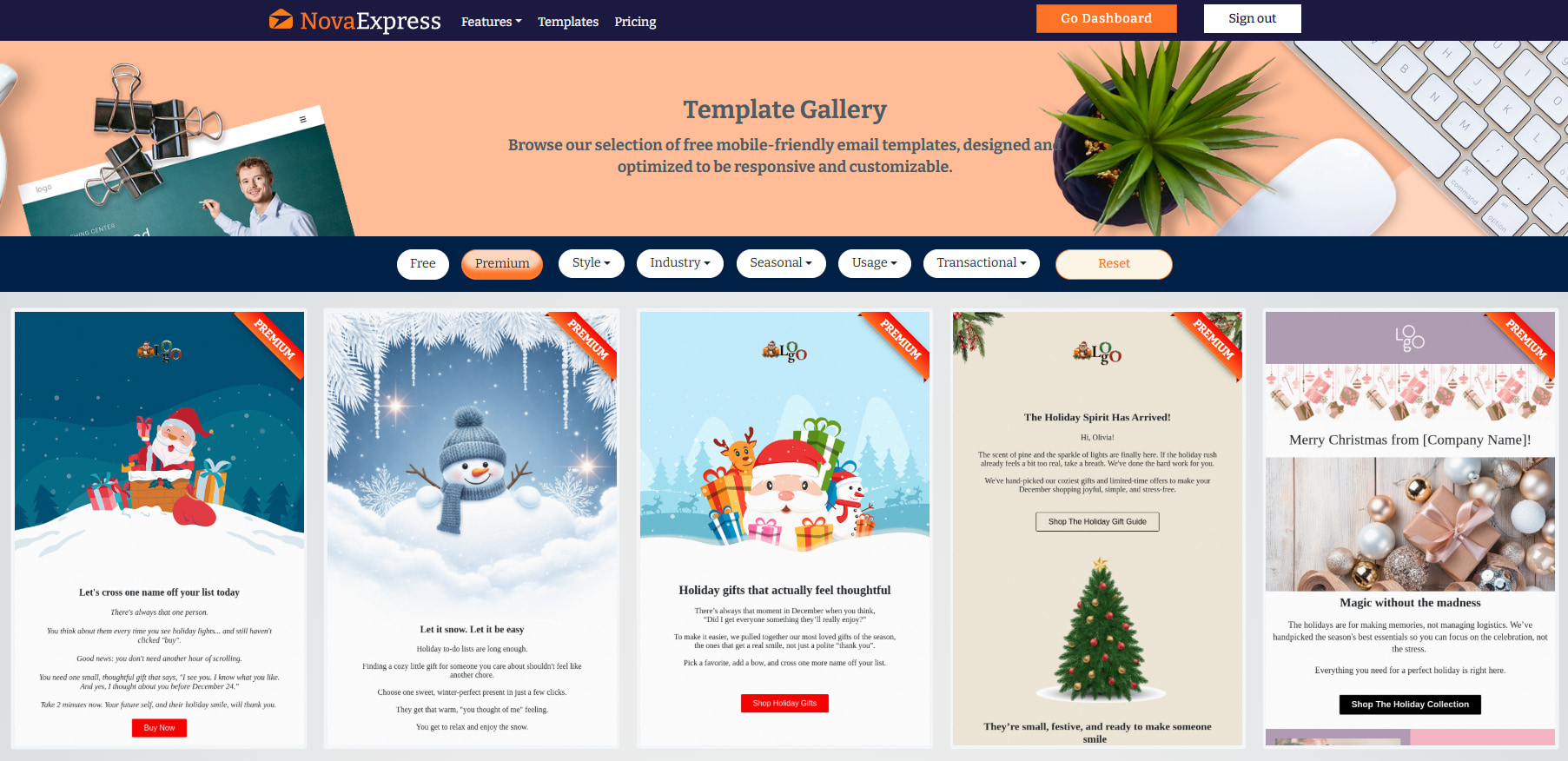
Nova Express: AI Agents + Email Marketing in One Platform
Nova Express is an AI-powered marketing platform that gives solo operators and small teams the equivalent of a full marketing department. Seven specialized AI agents (Competitor, Trend, Pain Point, Influencer Discovery + SEO, Social Media, and Sentiment Insights) share one brain, plus built-in tools (Content Studio, Email Marketing, URL Shortener, Grammar Checker, and Prompt Library) and Brand Management for isolated client workspaces. It replaces 10+ tools and the freelance juggling around them.
Best for: Solo marketers, freelancers, and small agencies who want an always-on marketing team in one platform without managing 10+ subscriptions or hiring freelancers.
7. Best AI Tools for Music & Sound in Marketing
Note: Most marketers can skip this section at first. Focus here if you regularly create video content, podcasts, or branded audio.
Need background music for your brand video? A jingle for your podcast intro? Audio that matches your exact vibe without licensing nightmares or royalty fees? AI audio tools create original music in minutes. Describe what you want and get a track. No negotiations, no licensing, no $500 stock music subscriptions.
Suno: Full Songs with Vocals
Suno generates complete songs with vocals and instruments across all genres. Describe the style, mood, and theme, and get a finished track.
Best for: Ad jingles, background music, podcasts, and branded audio content.
Important: Free tier = no ownership. You need Pro for commercial use.
Mubert vs Soundraw: Background Music
Mubert is an AI music generator that creates royalty-free tracks in real time by intelligently combining millions of samples recorded by hundreds of real producers and artists. Just describe the mood, genre, or activity, or write any text prompt (or even upload an image/reference), and get a perfect, instant soundtrack, including endless adaptive streams and powerful API integration.
Best for marketers in particular: when you need fast background music for Reels, TikTok, YouTube Shorts, ads, live streams (Twitch/YouTube), presentations, or branded video content, you get zero hassle with licenses, quick turnaround, and seamless scaling for daily social media posting.
Soundraw is an AI music tool trained exclusively on 100% original, in-house-created music (no third-party tracks, no legal gray areas), giving you full commercial rights and complete monetization freedom. Its biggest strength is the powerful built-in editor: toggle instruments, adjust intensity per section, change tempo/mood/structure/length on the fly, and download full mixes in WAV or separate stems (drums, bass, melody, FX, etc.) for further polishing in your DAW.
Best for marketers in particular: when you need precise, on-brand music that perfectly matches video timing, editing, and brand identity, it is ideal for high-quality ads, explainer videos, product demos, key campaigns, podcasts, or content where deep customization and maximum legal safety are essential.
ElevenLabs: Voice Cloning & Text-to-Speech
ElevenLabs turns text into realistic speech in 29 languages. Pick from dozens of ready-made voices or describe the voice you want, and the AI will generate it. The real game-changer is voice cloning: upload 30 minutes of your audio, and ElevenLabs creates a professional clone that sounds so close to you that even people who know you can’t always tell the difference.
For marketers, this means one voice recording powers unlimited content. Record your brand voice once, then generate product videos, podcast intros, training materials, and localized ads in multiple languages, all with consistent sound, no voice actors, no scheduling, and no re-records.
Best for: Video narration, podcast production, training content, and multilingual voiceovers.
8. How to Use AI for Research & Market Analysis
When you need facts you can verify, statistics you can cite, and sources you can link to, AI research tools are your best friend. They search the web, synthesize information, and show you exactly where each piece of data comes from.
For market research, competitive intelligence, and trend monitoring, these tools give you confidence that what you’re putting in that presentation is actually true. Every fact comes with a link.
Perplexity: The Research Engine with Receipts
Perplexity searches the web and shows you exactly where every fact comes from, with clickable links, not vague “according to research.” Ask any question and get a structured answer with a curated list of sources you can verify in one click.
The Deep Research mode goes further: request a competitive analysis, and Perplexity will spend a few minutes running multiple searches across dozens of sources, then deliver a full report you can export. Perfect for market research, trend monitoring, and fact‑checking before that big presentation.
The real power for marketers is Spaces. Upload your brand guidelines, competitor reports, or campaign data, and Perplexity becomes your private research assistant that can search across your own documents. Need to find that stat from last quarter’s report? Ask in natural language.
You can also toggle on web search to blend your internal knowledge with fresh external data, your strategy docs, and the latest industry news in one answer.
Best for: Market research, competitive intelligence, trend monitoring, fact‑checking, and building a searchable knowledge base from your own files.
NotebookLM: Research Assistant for Your Documents
NotebookLM analyzes YOUR documents (PDFs, Google Docs, YouTube videos)
and creates research notes with full source citations.
Best for: Analyzing competitor reports, customer feedback, and webinar transcripts.
Read our full guide: NotebookLM for Marketers
Build Your Stack, Save Your Time
AI tools don’t replace marketers; they replace grunt work. Competitor analysis that took 3 hours? Perplexity does it in 30 minutes. A presentation that ate your whole evening? Gamma builds it in 15. Blog post draft? Claude writes it while you finish your coffee. Across writing, visuals, video, research, and email, the pattern is the same: AI handles the repetitive execution so you can focus on strategy, creativity, and the human connections that actually grow your business.
Start small. Pick one tool from one category that solves your biggest time drain right now. Master that workflow for two weeks before adding the next. The marketers winning with AI aren’t the ones with 12 subscriptions; they’re the ones who built a focused system that fits how they actually work. Your perfect stack won’t look like anyone else’s. Build it piece by piece, and those 10+ hours you save every week will compound into a real competitive edge.
Nova Express Resources
- NotebookLM for Marketers
- GPT Image 2 for Marketers: How to Finally Get Readable Text in AI Images
- NotebookLM Infographic: The Complete Guide to Turning Your Data Into Visual Stories
- 7 Midjourney V7 Prompts for Marketing Ads
- Nano Banana Pro: The Complete Guide for Marketers 2026
- Why AI Cites Some Brands and Ignores Others: The Citation Stack Explained
- AEO vs SEO vs GEO: What’s the Difference and Where to Start in 2026
- What Is an AI Marketing Agent?
- Brand DNA: The Missing Piece Between Your Brand and AI
- Why AI Engines Trust Reddit More Than Brand Content (And How to Change That)
About the author
Serafima Osovitny is a Marketing Manager at Nova Express, where she focuses on digital marketing, search visibility, content strategy, and marketing workflows. She writes practical guides that help marketing teams research their audiences, develop strategies, and put their plans into action.
Explore her work at serafima.digital and follow her on X: @OSerafimaA.





Leave a Comment